Choosing the right setup
Feature request board vs. feedback widget: when to use each
Understand the difference between a public feature request board and an in-product feedback widget, and why many SaaS teams use both together.
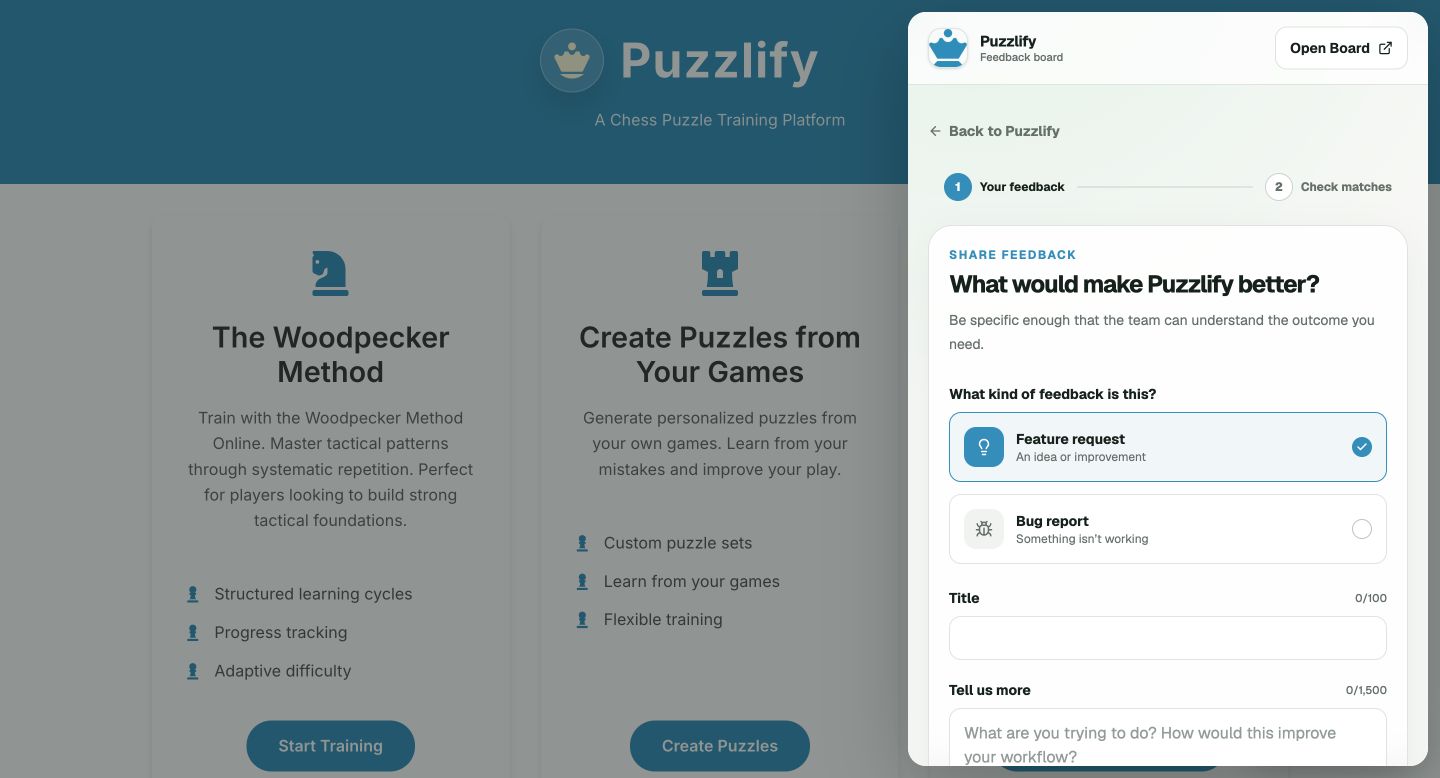
They solve different parts of the same problem
A feedback widget is an entry point. It lives inside your website or web app, so a customer can share an idea or a bug without hunting for a separate destination. It is best for catching feedback at the moment it arises.
A feature request board is the shared record. It gives customers a place to browse requests, vote, and understand public status. It is best for consolidating signal and making progress visible across a community.
Use a widget when context matters
Choose a widget when users are already inside a web product and you want an easy route to feedback. It can be a floating button, a menu item, or a custom event from a button you already own. The key advantage is proximity: the request happens while the experience is still fresh.
A widget should be available, not intrusive. Put it somewhere predictable and allow your product to hide it on pages where a floating control would be distracting. Keep the submission prompt focused on the outcome or problem the user is trying to solve.
Use a board when customers need to see one another
Choose a hosted board when you want customers to discover ideas that already exist. A public list and votes turn individual feedback into a useful map of recurring needs. Statuses make it possible to explain what is open, planned, or in progress without replying to every person separately.
A board also gives a small team an operational queue: review incoming requests, merge duplicates, moderate unsuitable content, and update the public view when a decision is ready to share.
For most SaaS products, use both
The strongest setup is usually widget plus board. The widget removes friction; the board creates visibility. A customer can send an idea from the product, then see similar requests and progress on the hosted board. Your team gets one queue instead of separate feedback channels.
Start with the hosted board if you need a shareable destination quickly. Add the widget once you know where feedback belongs in your product experience. Both can point to the same workspace, so you do not need to fragment the conversation.
A focused place to start
Turn feedback into a clear shared loop.
Simple Feature Board gives product teams a hosted board, embeddable widget, moderation controls, and public status updates—with straightforward pricing.
Create your free boardRelated product pages